
Permanent Christmas lights
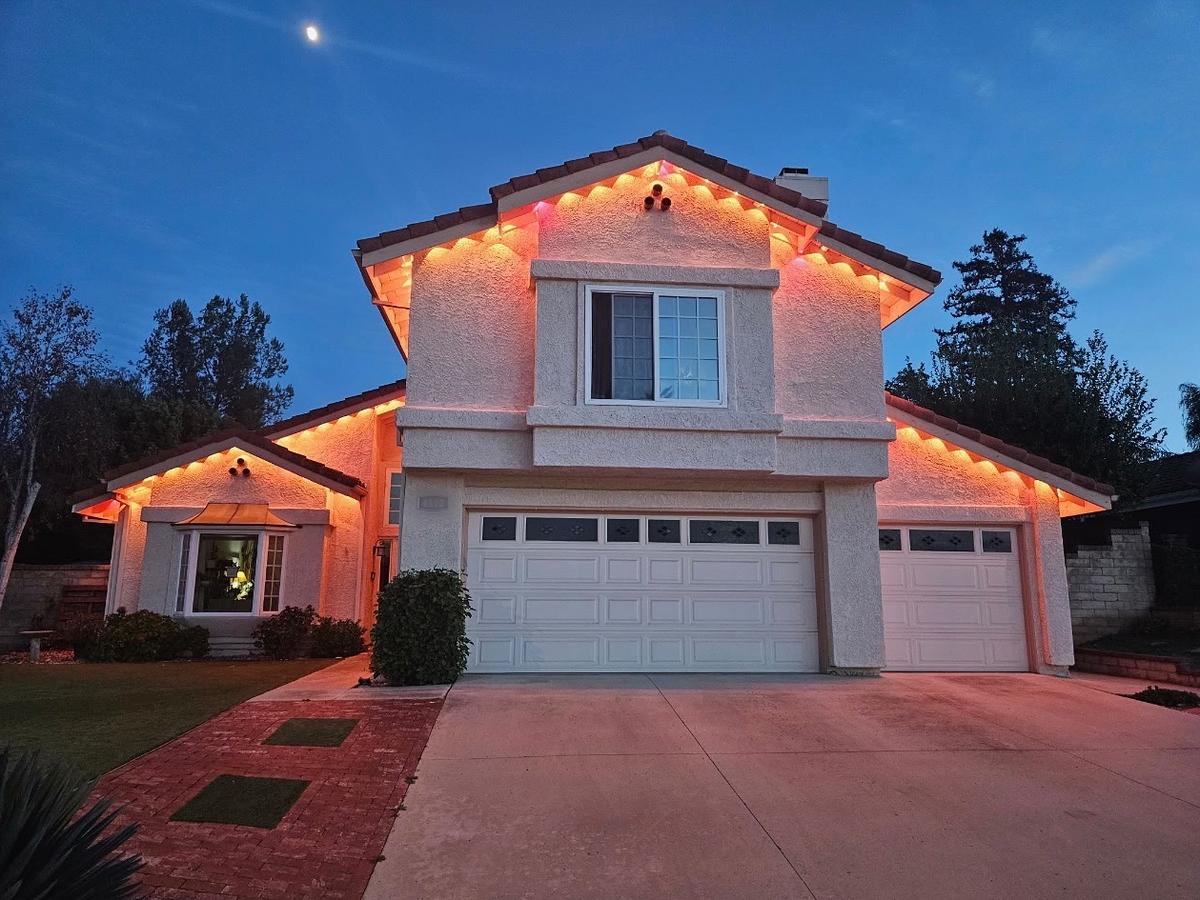
Lights that stay up all year and change color from your phone.
App-controlled lights, timers and photocells, set up so the display runs itself. Colors, schedules and scenes are ready before we leave.
Smart lighting setup covers the controls behind your display. We connect app-controlled lights to your phone and Wi-Fi, and we save colors and scenes. We also set timers or photocells so the lights come on at dusk and switch off when you choose. Pronto does this for lights we install and for systems you already have.
The best display is one you never think about. It comes on at dusk, goes off at a sensible hour and shows the right colors on the right day.
Getting there takes a few steps: the app, the Wi-Fi, the schedule. Doing those once, properly, saves a season of walking outside to flip a switch.
They can be combined. Many displays use a timer for the yard and an app for the roofline.
A timer turns the lights on and off at set times. It is simple and it works without Wi-Fi.
Good for a single-color seasonal display.
A sensor switches the lights on when it gets dark, so the schedule follows sunset through the season.
Good if you do not want to adjust a timer as the days shorten.
Color, brightness, scenes and schedules, all from your phone.
Good for permanent and color-changing lights.
A scene is a saved look. We save a few to start with, and you can add your own at any time.
Five minutes of preparation saves half an hour on site.
Lights that stay up all year and change color from your phone.
Your Govee kit mounted, wired and connected to the app.
Dead sections, tripped outlets and sagging lines fixed.
Have a different question? Call (213) 800-4951 or see all questions.
Yes. Tell us the brand and model, and what is not working or not yet set up.
Timers and photocells need no Wi-Fi. App-controlled lights usually need Wi-Fi for schedules and for control when you are away from home. It depends on the system.
That is your choice. If your HOA or city sets hours for outdoor lighting, we set the schedule to match.
Yes. We save a few scenes to start with and show you how to make your own.
Usually. Most connection problems come from a changed Wi-Fi password, a new router or a controller that lost power. Book a repair visit and we reconnect it.
Tell us where you are and how to reach you. We will ask the right questions, measure what you want lit and send you a clear price.